
About the solution
Every object in an exhibition is a gateway to endless information and links to archival material. A quick scan on a phone opens a film telling the object's story — who used it, how and where it was made, and why it survived. The object film opens an index of related information and extends visitor dwell time.
We never touch the original — the exhibit stays exactly as it is.
Story of an Artifact · A Roman lice comb
For
Museums and curators who want to give their exhibits a story without changing the display.
What you get
- Story of an Artifact: a short film for every exhibit
- Animated archives and treasures from storage
- Social media content from the same production
- A full layer across the exhibition
How it works
- 01Selecting exhibits with the curator
- 02Research on every object
- 03Producing the films
- 04Integration into the exhibition
In detail
One object, a whole story
“Story of an Artifact” is a short, quiet film — no narration, no text — showing who made the object, how it was used and how it reached the display case. It works in a noisy gallery, and for visitors who don't read the language of the labels.
Automated production
We can build an automated pipeline with a fixed template for every item — on display, in the archive and in storage.
From the film to the archive
From the archive
to the screen.
We open the archives and give the public access to their real wealth — finds, documents and photographs that have no room in the gallery. Without allocating expensive display space, and without taking the original off the shelf.
01 · The exhibit
The visitor stands in front of an object on display and opens the second layer.
02 · The film
A short film tells the object's story — who made it, who used it, and how it got here.
03 · The index
From the film, an index opens with information linked to that object — items, documents and photographs from the archive and storage.
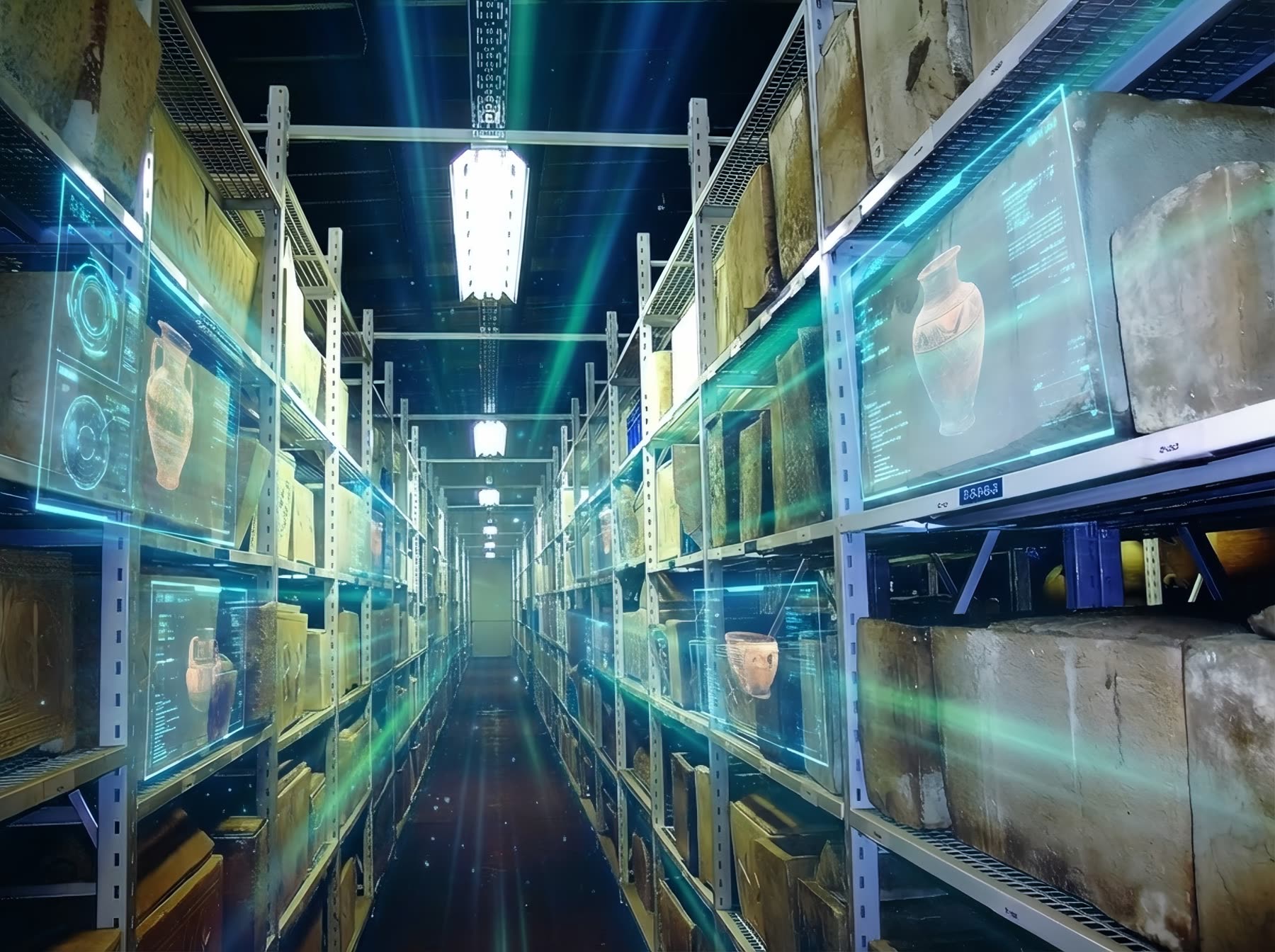
VisualizationThe archive and storage open to the public
FAQ
Do we need to change anything in the existing display?
No. The layer sits alongside the exhibit, and the original stays as it is.
Can we start with a single exhibit?
Yes — Story of an Artifact is exactly the starting point, and you can expand from there.
Do visitors know it's AI?
Yes. Every film is labeled, and anything that is reconstruction or hypothesis is presented as such.
Which of your exhibits is waiting for its story?
Tell us about the exhibition, and we'll suggest where to start.